Kubernetes Network Policies: A Practical Troubleshooting Guide
Kubernetes NetworkPolicies help control communication between workloads. However, a policy that looks correct on paper can still result in unexpected connectivity failures when labels, selectors, ports, or CNI configuration do not match.
In this guide, we will work through a practical troubleshooting workflow for pod-to-pod communication, examine common policy mistakes, and explore how Cilium can help diagnose network issues.
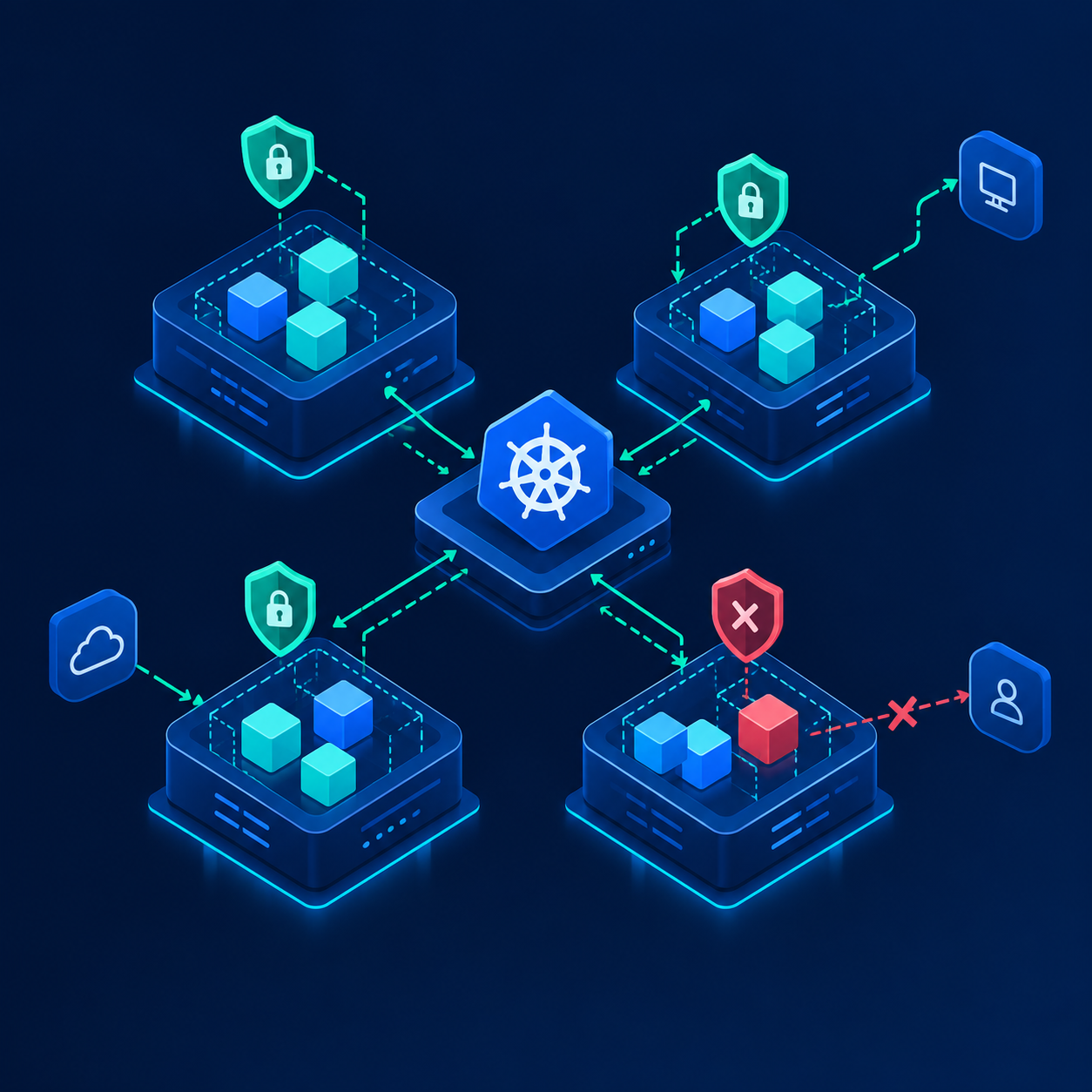
1. Understand the traffic flow
Start by identifying the source pod, destination pod, destination port, and namespace. Determine whether the traffic is governed by ingress or egress rules.
2. Inspect the policy
kubectl get networkpolicy -A
kubectl describe networkpolicy -n default
kubectl get pods -n default --show-labels
Check the selectors, namespace selectors, and allowed ports against the actual workloads.
3. Test connectivity
Compare the result before and after applying a policy. In a Cilium cluster, use Hubble flow visibility and Cilium endpoint information to investigate dropped traffic.
4. Troubleshooting checklist
- Verify pod labels and namespace selectors.
- Confirm the destination port and protocol.
- Check whether both ingress and egress policies apply.
- Review CNI health and network-policy enforcement.
- Use flow logs to distinguish a policy drop from routing or application failures.
Conclusion
Troubleshoot Kubernetes networking layer by layer. Validate the policy, verify the endpoints, test the path, and use CNI-specific observability to identify where traffic is being dropped.